 OdoMate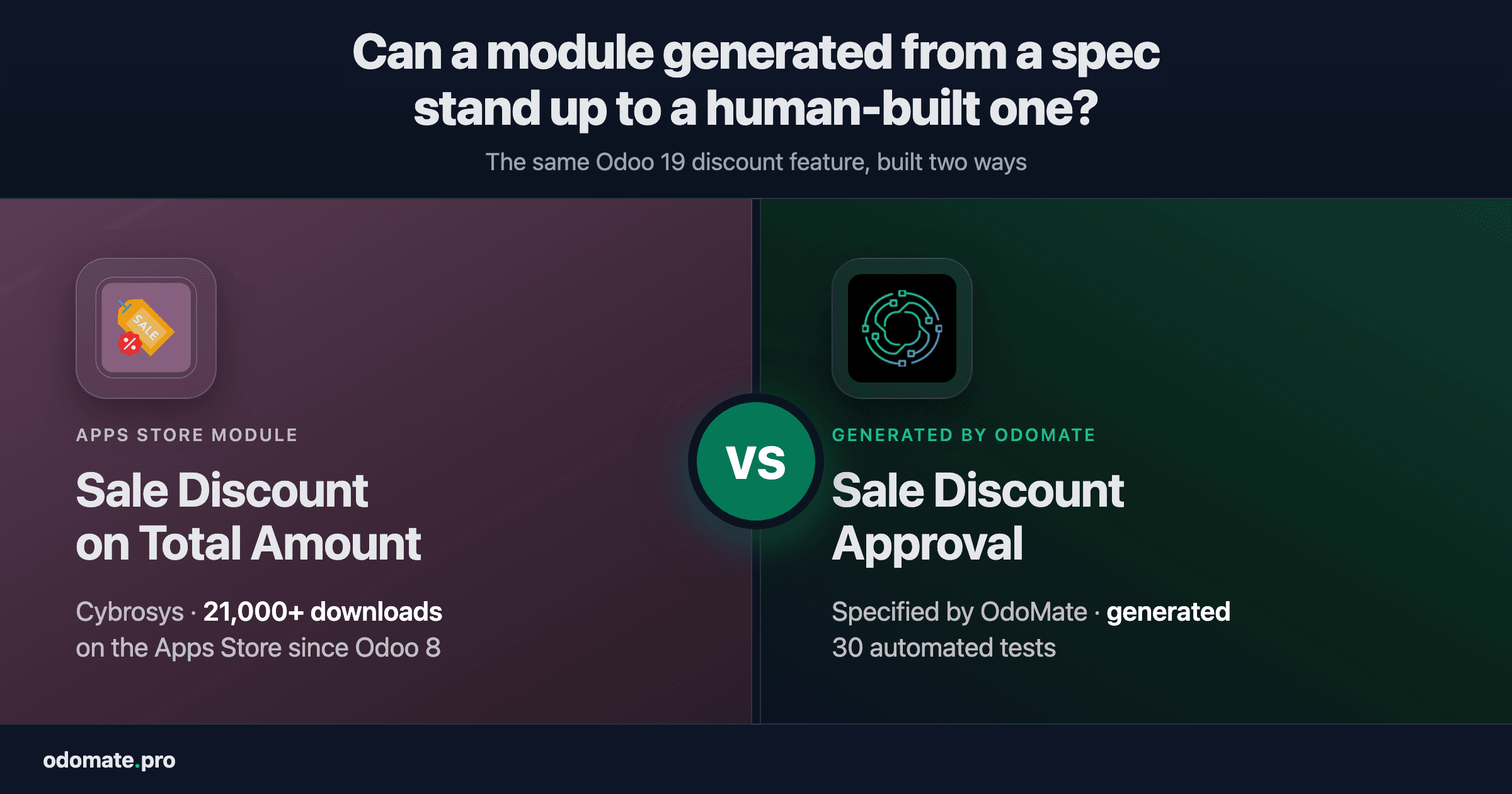
We described a discount approval process to OdoMate the way we'd describe it to a colleague, and it generated a working Odoo 19 module from that description. Then we put it next to the established answer to the same job: Cybrosys' Sale Discount on Total Amount, more than 21,000 downloads, on the Apps Store since Odoo 8.
They match on everything a buyer would put on a list. The generated one is ahead on four things, and one of them is the difference between an approval step and an approval that actually holds.
The problem, and why we picked one that's already solved
Somebody negotiates a deal: fifteen percent off the whole order. The quotation has fourteen lines, so a salesperson types 15 into fourteen separate boxes. The customer adds two items, and it all happens again.
Then there's the part a finance director cares about. If the discount gets steep, someone senior should approve it before the order is confirmed — a real block in the system, not a message in a chat.
We chose this deliberately because it is not a difficult problem, and because good answers to it already exist. Pointing a module generator at something obscure proves nothing: with no benchmark, any output looks impressive. Pointing it at a problem a real vendor has been solving for a decade gives you something to measure against.
Our benchmark is Sale Discount on Total Amount by Cybrosys — free, open source, more than 21,000 downloads, and listed on the Odoo Apps Store for every release from Odoo 8 to Odoo 19.
What Odoo 19 already does on its own
Before comparing two modules it's worth knowing what you get without either, because it's more than most listings suggest.
Odoo 19 can already apply a discount across a whole order. There's a built-in tool for it with three modes, and it handles section headings correctly. It records what it did, too — as a percentage on each line, or as a separate discount line for a global or fixed-amount discount. And Odoo's sales report already includes a discount measure, so you can break discounting down by salesperson, customer or period without installing anything.
What Odoo has no answer for is control. Nobody has to approve a steep discount, and nobody can reject one. There's no equivalent tool for invoices. And there's no single discount figure carried across the order, the invoice and the printed documents — the number exists in pieces, not as one thing you can point at. That's the honest scope of this whole category of module, and it's the scope both of these modules are competing in.
How the module was made
We described the requirement in plain language. OdoMate asked clarifying questions, and we refined our answers until the requirement said what we actually meant. Then it generated the module, deployed it on a live Odoo instance with demo data, and ran its own tests against it there.
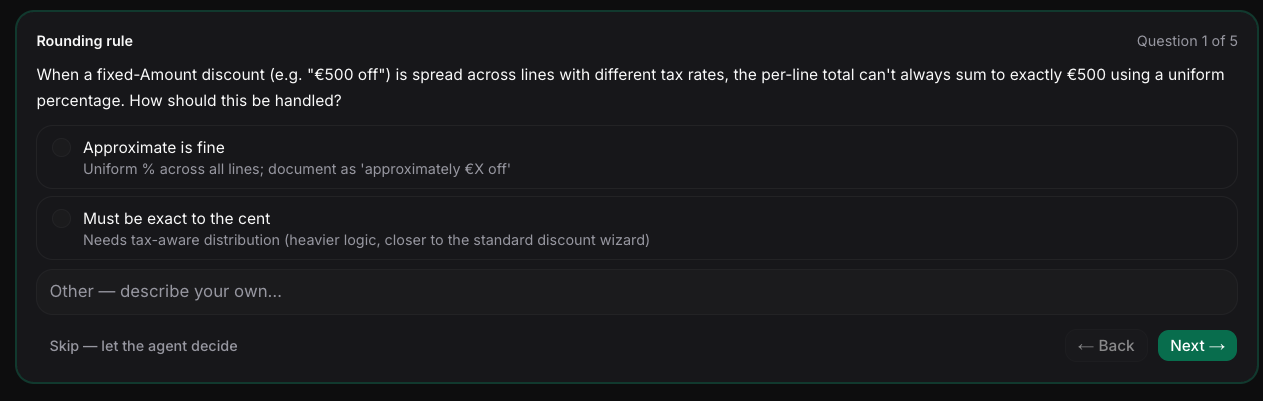
The result was reviewed for security and published to the Apps Store. Nobody rewrote the code by hand. The specification it was generated from ships alongside it, so you can read the input and the output next to each other. To be precise about what that file is: it's the original requirement. The module has been through enhancement rounds since — described below and visible in the repository's commit history — and those inputs aren't in the file.
Side by side
| Odoo 19 as it comes | Cybrosys, 21,000+ downloads | Generated by OdoMate | |
|---|---|---|---|
| Discount across a whole order | ✅ | ✅ | ✅ |
| Discount on invoices | ⬜ | ✅ | ✅ |
| Discount recorded on the order | ⬜ | ✅ | ✅ |
| Discount shown on printed and portal documents | ⬜ | ✅ | ✅ |
| Manager approval above a set limit | ⬜ | ✅ | ✅ |
| Manager can reject, not only approve | ⬜ | ⬜ | ✅ |
| Approval that can't be worked around | ⬜ | ⬜ | ✅ |
| Section headings not treated as products | ✅ | ⬜ | ✅ |
| Discounts in the sales report | ✅ | ⚠️ own copy | ✅ uses Odoo's |
| Automated tests | ➖ | ⬜ | 30 |
| User guide for the people who'll use it | ➖ | ⬜ | ✅ English + Ukrainian |
| Interface translation files | ➖ | ⬜ | ✅ |
✅ yes · ⚠️ builds its own version of something Odoo already provides · ⬜ no · ➖ not applicable
The top half is a genuine tie. Both modules give you an order-level and invoice-level discount, both record it, both put it on the printed quotation and the customer portal, and both route a steep discount to a manager. If that's your list, either module does the job.
The four places the generated module goes further
A manager can say no. Both modules let a manager approve a waiting order. Only one lets them reject it and send the quotation back for revision. Rejection is a normal outcome, not an edge case. Without it the manager's only options are to approve a discount they think is too deep, or to leave the order sitting there.
The approval actually holds. Hiding a button from someone is not the same as stopping them. In the generated module, approval is checked in the system itself rather than only on screen, and an order can only reach confirmation by genuinely passing through Waiting Approval — so the approval always leaves a trace instead of being quietly skipped.
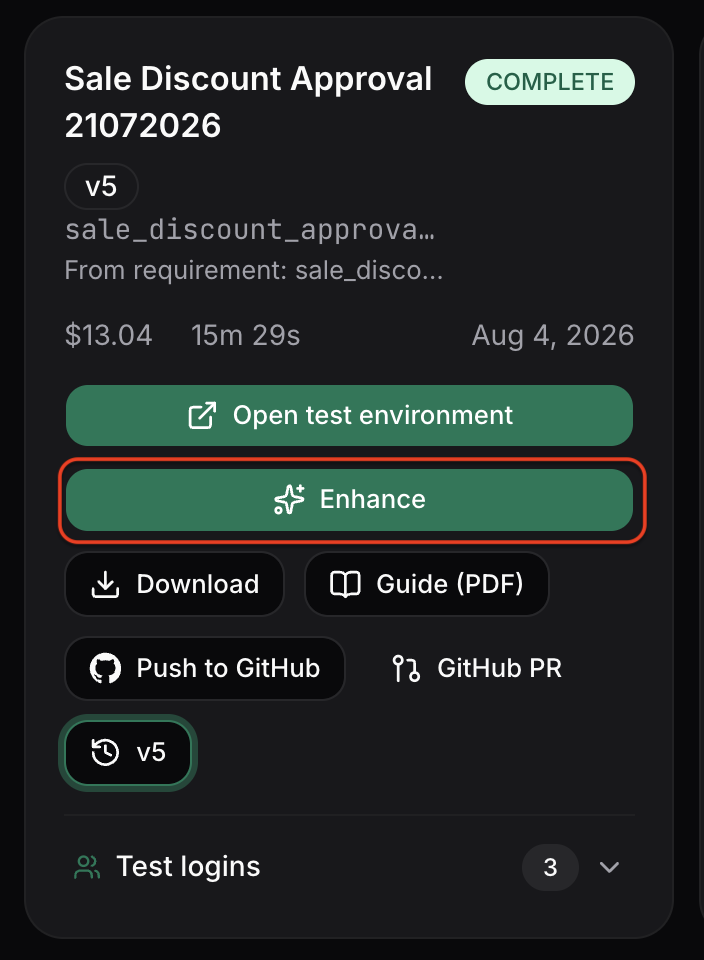
This one is worth being blunt about, because it took us two attempts. We found the buttons unprotected while writing this article and fixed that. An external review of the draft then found a second route around the check that we had missed entirely, and we closed that too. Both fixes went through the platform's enhancement feature: we described what should change, rather than editing the code by hand. Both are now covered by tests that would fail if the rule stopped holding.
Section headings aren't products. Real quotations are organised — e.g. Hardware, then Services — and those heading rows carry no price. The Cybrosys module counts them anyway when it works out the average discount that decides whether approval is needed. A 30% discount on a four-line quotation with two headings averages out to 15%, which slips under a 20% limit unnoticed. The generated module leaves heading rows out, so the limit means what it says.
What arrives with the code. The generated module came with 30 automated tests, a user guide in English and Ukrainian explaining what each role sees and does, and interface translation files for the module itself. Ukrainian wasn't a special case: the languages are a tick-box at the generation configuration stage, and whatever you pick comes back as both the user guide and the module's .po translation files. English is the baseline, with 19 other languages to choose from. The Cybrosys module ships a 324-byte release-notes file, no translations and no tests.
That last one isn't a technical point. It's about who has to explain the module to the sales team on Monday morning.
What Cybrosys has that we don't
Their module has been downloaded more than 21,000 times and carried across a decade of Odoo releases, from Odoo 8 to Odoo 19. Downloads aren't deployments, but exposure at that scale still surfaces problems no test suite predicts, and keeping one module alive through ten years of platform change is genuinely hard work. Ours has been downloaded a handful of times.
It does leave a mark, though, and we found it going through their code. Their module adds a discount column to Odoo's sales report — the same report Odoo now ships that column in natively. The part that builds their version hooks into a piece of Odoo that no longer exists in version 19, so nothing in Odoo 19 calls it. What still takes effect is a leftover label, which renames Odoo's own Discount % column to Discount and describes it as a cash amount, when the number in it is a percentage.
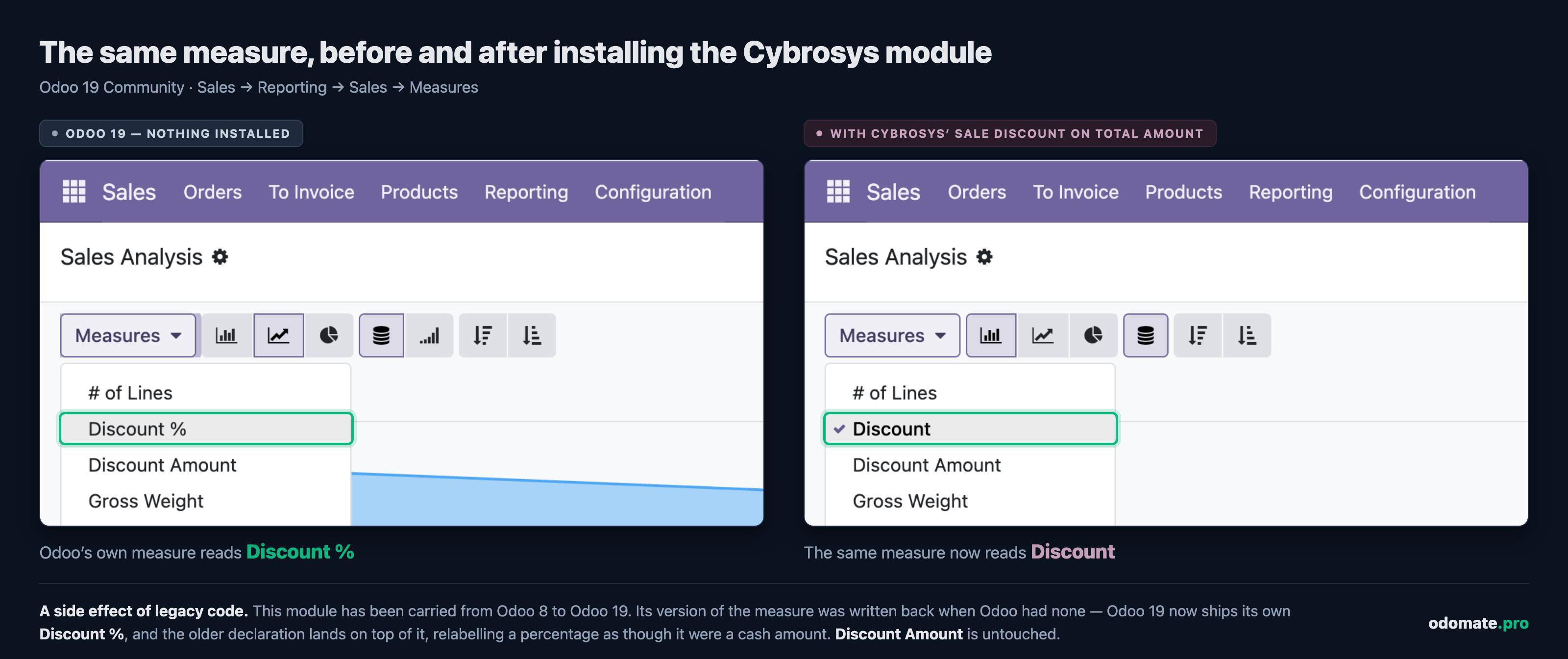
That's not a criticism of the people who wrote it — it's what ten years of upgrades does to any module, and nobody has time to re-audit a decade of files against every new Odoo release. A module generated against today's Odoo starts from what the platform does now, which is an advantage it gets for free and can't take credit for.
What this doesn't prove
- We can't show you a green test run. The module ships 30 test methods, written by the platform, and you can read every one. But its own generation record has claimed "13 of 13 tests passing" for five versions running. That's stale, and we won't present it as a result.
- One module, one problem. This is a well-scoped sales workflow. It says nothing about heavy accounting logic or an integration with an external system.
- Generated code still needs human review before production. We found a real flaw in our own module while writing this, which is the clearest argument for that we could offer.
And one thing we didn't expect
Preparing this comparison, we thought we'd found one more thing Cybrosys had that we didn't: that discount column in the sales report. So we asked OdoMate to add it.
It didn't. The next version came back without the column — and with the reason sitting inside it: a test, and a note recording that this is standard Odoo functionality. Odoo already has that report. Building a second copy would have meant code somebody has to maintain through every future Odoo upgrade, for nothing.
We had expected the platform to build whatever we asked for. Finding out that it won't, and that it was right not to, was the most interesting thing to come out of this whole exercise. That's the next post.
Try it on your own problem
Read the specification and the module it produced, side by side, or the earlier comparison against a project-checklist module.
Then bring your own requirement. Inspect the module, then request early beta access — we review requests on a rolling basis and onboard in small cohorts.
FAQ
What does an Odoo 19 discount module actually add? Control, mostly. A manager approving large discounts — and rejecting them too, sending the quotation back for revision, which standard Odoo has no mechanism for at all. An equivalent tool for invoices. And a single discount figure carried across the order, the invoice and the printed documents. Odoo 19 already applies an order-wide discount, already records it, and already reports it in Sales Analysis.
Can an AI-generated Odoo module match a module from an established vendor? On this problem it did. Across the capabilities compared here, the generated module matched a 21,000-download vendor module. It went further on four: rejecting as well as approving, enforcing the approval properly, handling section headings, and shipping tests, documentation and translations alongside the code.
Was the generated module edited by hand before publishing? No. It was generated from a written specification, deployed and tested automatically, reviewed for security, and published. Only the Apps Store listing page, banner and screenshots were added by hand.
Does the generated module come with documentation? Yes. A user guide is written in every language you choose when setting up the generation — this one shipped in English and Ukrainian — along with interface translation files for the module itself.
How can I check any of this myself? Both modules are free and open source. Their listings are on the Odoo Apps Store, and the generated module's full source and the specification it came from are in a public repository, linked above.